 SMBDashboard
A free CRM for small business, without the account, the seats, or the monthly bill
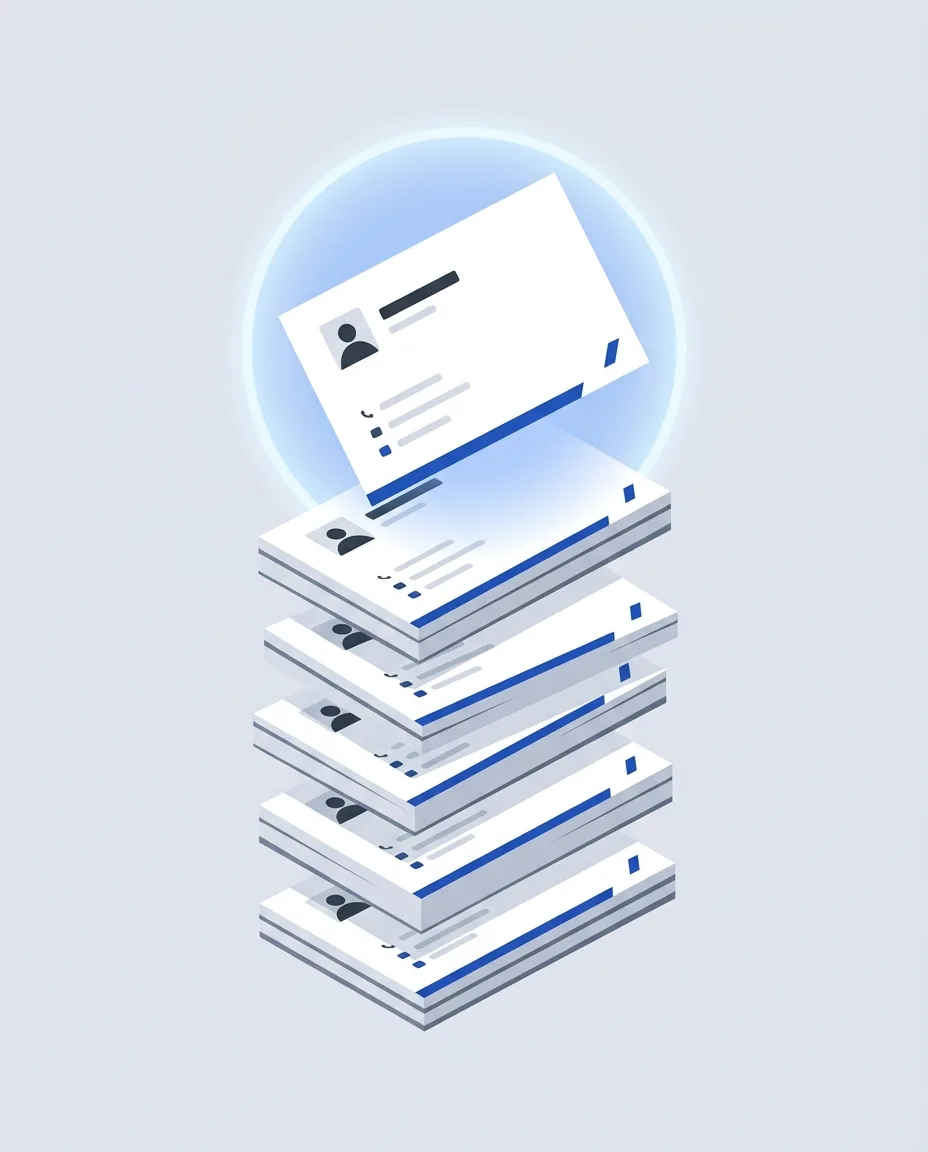
Most CRM software is built for sales teams: pipelines, deal stages, email sequences, per-seat pricing. Most small businesses need none of that. You need to know who your customers are, how to reach them, what you did for them last, and who you've gone quiet on. SMBDashboard's Customers module does exactly that, free, in your browser, with no signup.
The unit of work here is a customer record, not a deal. Each one holds a name, the way you actually reach them, a note on what you last did, and the date you last spoke. That last field is the one that earns its keep: the Customers list sorts by it, so the people you have quietly stopped talking to rise to the top instead of disappearing under whoever contacted you most recently.
Everything a sales team would need and a two-person shop would not (pipelines, lead scoring, sequence automation, per-seat licensing) is deliberately absent. What replaces it is the rest of the dashboard: money in and out, tasks, and appointments all sit beside the same customer list, so “who owes me” and “who have I not called” are answered on one screen rather than in three tools.
Customers
| Name | Company | Tags | Last touched |
|---|---|---|---|
| Maria Lopez | Lopez Landscaping | repeat | Aug 7 |
| Devon Carter | Carter Realty | new | Aug 4 |
| Priya Shah | Shah Dental | repeatnet-30 | Jul 29 |
| Sam Whitfield | lead | never |
What's in the Customers module
Each customer is a card with the fields a small business actually uses: name, company, email, phone, free-form tags, and notes. Click any row and a detail drawer opens with everything editable in place: no save buttons, no page loads. The drawer also shows that customer's full history pulled from the rest of the dashboard: money entries you've linked to them (with paid/unpaid status), tasks that mention them, and appointments you've had or scheduled.
The column that earns its keep is last touched. You don't maintain it. The dashboard computes it from the most recent linked activity. When a repeat customer's last touch slides past a month, you see it at a glance and a follow-up becomes a two-minute task instead of a lost account. That single sorted column replaces most of what owners actually use a CRM for.
Tags are free-form, so use whatever taxonomy matches your business: lead, repeat, net-30, wholesale, north side. The command palette (Ctrl+K) searches names, companies, emails, and tags, and jumps straight to a customer's drawer, faster than any click path once your list grows.
Why local-first matters for customer data
Your customer list is one of the most sensitive things your business owns. Here it stays on your machine: the app is static files plus your browser's storage. On the free tier there is no server-side copy at all, which means no breach surface, no data-sharing policy to parse, and no export fee when you want your data. The Export JSON button in Settings hands you the whole document any time.
The trade-off is honest and worth knowing: data lives in one browser unless you move it. If you work across two machines, export on one and import on the other. Or, on Pro, switch on cloud sync, which stores a copy on our server under your license key so both machines can load it. Sync is off by default and you can delete the stored copy from Settings. For a single owner running the business from one laptop (which is most small businesses), neither is necessary.
Free tier, honestly capped
The free tier holds 25 customers, and the app shows you a plain counter as you approach it, so there are no surprise paywalls mid-workflow. If your list outgrows 25, a Pro license ($8/mo, billed $48 every 6 months · cancel anytime, or $149 lifetime with one payment and nothing to renew) removes the cap and adds CSV export of the whole list. The CRM pairs naturally with the expense tracker: link a money entry to a customer once and their revenue history builds itself.
FAQ
- Is this CRM really free?
- Yes. The free tier includes the full CRM up to 25 customers, with tags, notes, contact details, linked history, and last-touched dates. A Pro license ($8/mo, billed $48 every 6 months · cancel anytime, or $149 lifetime with one payment and nothing to renew) removes the cap and adds CSV export.
- Do I need to create an account?
- No. There is no signup and no login. The app runs entirely in your browser and stores your customer list in your browser's local storage. Open the page and start typing.
- Where is my customer data stored?
- In your browser, on your device, as one JSON document you can export and import at any time. On the free tier nothing you type is sent to a server, so there's no server-side database to breach or subpoena. Pro adds an optional cross-device sync you can switch on, and it's off unless you do.
- What does 'last touched' mean?
- It's computed automatically from the work you log: the most recent money entry, completed task, or past appointment linked to that customer. Sort by it and the customers you've been quietly neglecting rise to the top.
- Can I import my existing customer list?
- You can import a previously exported SMBDashboard JSON backup. There's no spreadsheet importer yet; for a typical small list, adding customers by hand takes a few minutes. The add form is five fields.
- Is it enough to replace a paid CRM?
- If you run pipelines with stages, sequences, and a sales team, no. If you're an owner who needs to remember who your customers are, how to reach them, what you did for them last, and who's overdue for a follow-up, that's exactly what this is for.
Your customers, one honest list.
Open the free CRM