 SMBDashboard
CRM for a One-Person Business: What You Need
By Mark Fulton · 2026-08-25 · 10 min read
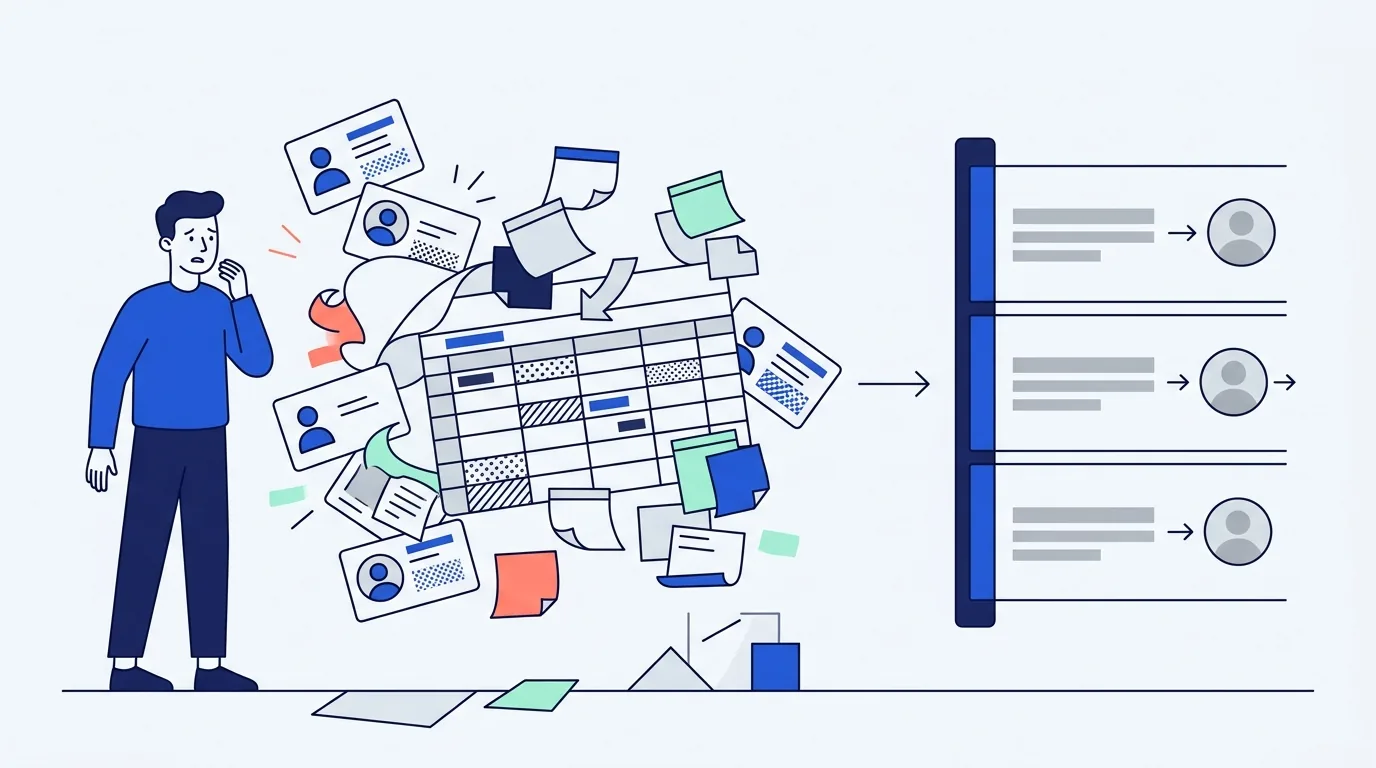
A one-person business needs four things from customer software: a searchable record of who each customer is, a note you can read back in eighteen months, a next action with a date on it, and a way to see who has gone quiet. That is the whole list. Everything else a CRM sells you exists to coordinate people, and you have no people to coordinate. There are no handoffs, no pipeline review, no manager asking for a forecast, no lead routing, and no territory rules, which strips out most of the feature surface before you even start. So the honest test of any tool is not which one has the best feature grid. It is whether you will still be opening it in week six.
That test rules out more products than any comparison table does, and it is the reason this question keeps getting asked by people who already tried a CRM once.
I build a small business dashboard with a customer list in it, so I have an obvious stake in this answer. That is a reason to be careful, not a reason to push. The owners who adopt something because they hit a real limit stay. The ones who adopt because a blog post told them to are gone by the second month, and I would rather you skip the second outcome.
What does a solo business not need from a CRM?
Customer relationship management software was designed for sales organizations. Multiple reps, shared accounts, a manager who needs to know what is going to close this quarter. Almost every feature you will be shown traces back to one of those three facts.
Working alone deletes them. Here is what goes with them:
- Pipeline stages and probability weighting. Forecasting exists so someone above you can plan headcount and inventory. You know what is happening in your business because you are the one doing it.
- Lead assignment, round-robin routing, and territories. There is one person. Every lead is assigned.
- Activity logging as accountability. In a team, logged calls prove work happened. Alone, logging a call you already remember is pure overhead with no reader.
- Permissions, roles, and audit trails. These protect data from colleagues.
- Sales sequences and cadence automation. Automated multi-step email chains are a volume tool. If you are sending fifteen personal follow-ups a month, automation adds setup time and takes away the personal part that was working.
- Dashboards and reporting suites. Conversion by source by rep by quarter is a management artifact.
Strip those out and the remaining surface is small enough to fit on one screen. Being small is not a compromise here. Working alone is the ordinary case, not the edge case: the Census Bureau's analysis of nonemployer business growth shows businesses with no paid employees have grown faster than employer businesses in nearly every year from 2012 to 2023, with employers falling from 24.6% to 21.6% of all US businesses over that stretch. The majority of American businesses have nobody to hand anything off to.
Which four capabilities actually earn their place?
1. Find a person in five seconds. Standing in a parking lot, one hand on the phone, typing three letters of a surname. If a tool makes you open an app, wait for a sync, and drill into a record, you will call the number in your phone instead and the tool starts dying.
2. Read what happened last time. Not an activity feed. One block of text you wrote in your own words: gate code, the dog's name, the price you quoted last spring, the fact that they always pay two weeks late but they always pay. This is the part a bigger competitor's call center can never have.
3. A next action with a date attached. The single most valuable field in any customer record is a date in the future and a sentence saying what happens on it. A note without a date is a memory. A date without a note is an appointment for nothing. Together they are the entire follow-up system, which I broke down in more detail in how to stop losing track of customer follow-ups.
4. See who has gone quiet. Sort your customers by the date you last did business with them and read the bottom of the list. That list is the cheapest revenue in your business, and it is the one thing memory genuinely cannot do at any scale above about thirty people.
Scoring the four common setups
Four ways solo operators actually store customers, scored against those four capabilities. Yes means it does the job without you fighting it, Partial means it works but degrades, No means it does not do the job at all.
| Setup | Find fast | Readable history | Dated next action | Spots who went quiet | Failure mode |
|---|---|---|---|---|---|
| Phone contacts plus notes app | Yes | Partial | No | No | History scatters across two apps and a text thread. Nothing ever surfaces on its own. |
| Spreadsheet | Partial | Yes | Partial | Partial | Follow-up dates sit in a column nobody opens. You have to go looking, and eventually you stop looking. |
| Free tier of a full CRM | Yes | Yes | Yes | Yes | Abandonment. The capability is there, buried under a setup flow built for a sales team, so week three is the last time you log in. |
| Purpose-built simple customer list | Yes | Yes | Yes | Yes | Fewer escape hatches. No deal stages, no automation, so if you genuinely grow into a sales process you will move again. |
Read that table honestly and the interesting row is the third one. The free CRM tier is not weak. On paper it wins. It loses on the only test that matters, which is whether you are still using it after a month.
Why do most CRM trials die in week three?
Because the first session is configuration and the payoff is deferred.
A CRM asks you to define stages before it will show you anything useful. You import contacts, map fields, name your pipeline, and at the end of ninety minutes you have a system that knows less than your phone did. The value only appears later, once there is history in it. So the effort is front-loaded and the reward is back-loaded, which is the exact shape of a habit that does not form.
Week one you are diligent. Week two you log the important ones. Week three a job runs long, you skip a day, and the record silently goes stale. From that point the tool is worse than useless, because now you have two sources of truth and you trust neither.
The counter is unglamorous: the tool has to be useful before it is complete. If adding a customer takes fifteen seconds and reading yesterday's note takes two, the habit survives a bad week. If either one takes longer than the thing it replaced, it will not.
What does phone contacts plus notes get you?
More than vendors admit, and it is worth being precise about the ceiling.
Your phone is genuinely excellent at capabilities one and two. Search is instant, it works offline, it is already on your person, and the notes field in a contact card is a perfectly reasonable place to write that someone prefers texts to calls. For a business with twenty regulars and steady word of mouth, phone plus notes is not a failure. It is a working system.
It breaks in two specific places. First, there is no way to write a next action with a date and have it come find you, so every follow-up depends on you remembering to remember. Second, there is no sort by last contact, so the customer who quietly stopped calling in March is invisible until you happen to think of them in October.
You can patch the first with calendar reminders and many people do. Nobody patches the second, and the second is where the money is.
It is worth saying that the paperwork side of this is more flexible than most software marketing suggests. The IRS is explicit in its recordkeeping guidance for small businesses that you may choose any recordkeeping system suited to your business that clearly shows your income and expenses. There is no required format and no required product. The SBA's guidance on staying legally compliant is similar in spirit and points at retention periods rather than tools. Whatever you pick has to be readable later. That is the actual requirement.
When does a free CRM tier become a trap?
Free tiers are real and they are not a trick. The trap is structural, and it has three parts.
The cap is set where switching is expensive. As of August 2026, HubSpot's free tools cover up to 1,000 contacts and up to two users, with the entry paid Starter tier listed on their pricing page at $7 per seat per month billed monthly against a $20 regular rate. Those are generous numbers. They are also priced by someone who knows exactly how much history you will have accumulated by the time you reach them.
The free tier is a sales surface. Prompts to upgrade appear at the moment of highest need, which is usually the moment you are least able to evaluate calmly.
Getting out is technically possible and practically annoying. Export usually exists. Whether your notes, custom fields, and dated tasks come out in a shape another tool can read is a different question, and it is the one worth asking before you put a year of history in.
None of that makes free tiers a bad choice. It makes them a choice you should make deliberately, having checked the export path first. That check takes ten minutes and it is the single most useful thing you can do before adopting any customer tool. If you are weighing this against a spreadsheet rather than against another CRM, I laid out the specific breaking points in spreadsheet vs CRM.
How do you keep the habit going?
Attach the entry to something you already do rather than to willpower.
- Log on payment, not on contact. You will always notice money arriving. Make that the moment the record gets updated, and the customer file maintains itself as a side effect of getting paid.
- One weekly pass, five minutes, same slot. Open the list, sort by last contact, pick three names off the bottom, and put a date on each. Three is deliberately small. Ten is a resolution and resolutions fail.
- Write notes for a stranger. In eighteen months you will not remember this person. Write for that version of yourself.
- Do not import everything. Bring in the people you have actually done business with in the last year. A list with 400 dead rows in it is a list you avoid opening.
- Give it six weeks, then judge. Not six days. The value of a customer record is entirely in its history, and six weeks is roughly when there is enough of it to be worth reading.
If you want to try the shape of this without signing up for anything, open the customers module and add five real customers. The free tier holds 25 customers, your data stays in your browser unless you turn on Pro sync, and there is no account to create. If it is not faster than whatever you use now within five minutes, it is not your tool, and you should close the tab without guilt. There is more on where this sits relative to a full CRM on the free CRM for small business page, and the general case for keeping it small is in a simple CRM is enough for most small businesses.
Frequently asked questions
Do I need a CRM if I'm the only employee?
Not necessarily. If you have under about thirty customers, most of your work comes from repeat business and referrals, and nothing has slipped through the cracks in the last six months, your phone and a notes app are doing the job. The trigger to move is not a customer count. It is the first time you realize a customer went quiet and you had no way of noticing.
What's the simplest CRM for a freelancer?
The simplest useful tool is whichever one lets you add a customer, write a note, and set a dated next action in under a minute, with a view that sorts by last contact. That description rules out most full CRMs on setup time alone. Test any candidate by adding five real customers before you read a single feature page.
Are free CRMs actually free?
The free tiers of the major products are genuinely free and genuinely capped, usually on contact count and seats. The cost is not money at the start. It is that your history accumulates inside a system whose pricing and limits are set by someone else, so check the export path before you commit a year of notes to it.
How do I keep customer notes without a CRM?
A single file works fine if it has structure: one row or one block per customer, with name, contact details, what they last bought, the date, a free-text note, and a next action date. The structure is what matters, not the software. The one thing a plain file cannot do is surface a due date on its own, so pair it with calendar reminders or accept that follow-ups depend on your memory.