 SMBDashboard
eBay Seller Profit Tracking: From Cost Basis to Payout
By Mark Fulton · 2026-10-20 · 11 min read
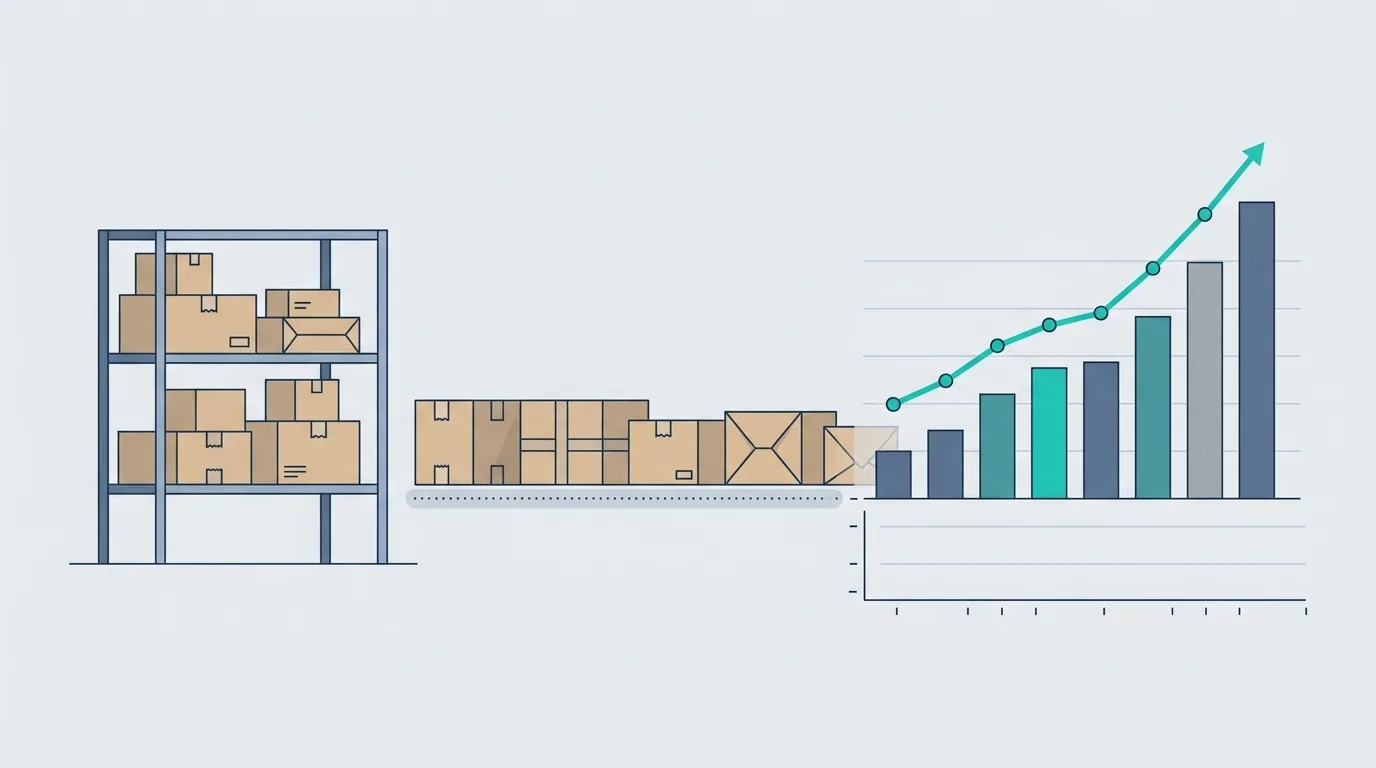
eBay's payout figure is what the buyer paid minus what eBay took, and that is not your profit. It leaves out the single biggest number a reseller has: what you paid for the item, which usually happened weeks or months before the sale and often as part of a lot bought at one price. Real eBay profit tracking means three records kept side by side: what each sourcing trip cost, which listings that cost was spread across, and what each order actually kept after fees, the shipping label, ads and any refund. Stock that has not sold yet stays on the shelf at cost and is not counted as a loss.
Most advice on this stops at "use a spreadsheet" or "buy a tracker." The spreadsheet part is right. The hard part is the handful of decisions that make the spreadsheet honest, and those are what this post walks through, with one lot taken from the thrift store to the last row.
Nothing here is tax or accounting advice. It is arithmetic you can run yourself. How resale inventory is treated on a return, and which records you must keep, is a question for an accountant or the IRS.
What does eBay's payout figure leave out?
eBay does give you real data. In Seller Hub, the Earnings report breaks each order into the item subtotal, shipping, seller-collected tax, expenses such as fees and shipping label costs, refunds, and the resulting order earnings. According to eBay's Earnings report help page, it also has an optional "Your cost" per unit field, and a "Net order earnings" column that subtracts it. You find it under Payments, then Earnings, then Generate CSV for a date range.
So eBay can show you a profit number, but only if you feed it the one input it cannot know. Everything else in this post is about producing that input properly.
Here is what the platform sees and what it does not:
| Cost or event | Does eBay know it? |
|---|---|
| Sale price and buyer-paid shipping | Yes |
| Final value fee and per-order fee | Yes |
| Shipping label bought through eBay | Yes |
| Shipping label bought at the post office or another site | No |
| Promoted listing ad fee | Yes, as an expense |
| What you paid for the item | Only if you type it in |
| The rest of the lot the item came from | No |
| Mileage, supplies, boxes, tape, storage | No |
| Unsold stock | No |
The fees are the part everyone checks, so check them at the source. Verified on 20 October 2026 against eBay's selling fees page, for most US categories the final value fee is 13.6% of the total sale amount up to $7,500 per item, plus a per-order fee of $0.30 on orders of $10.00 or less and $0.40 on orders over $10.00. The same page says the fee applies to the total amount of the sale, which includes shipping the buyer pays and sales tax, with some exceptions. It also lists 250 free listings a month before an insertion fee applies. Category rates differ and eBay changes them, so treat these as a worked-example input and open the live page before you build them into a price.
How do you record cost basis for thrifted items?
Cost basis is just the honest answer to "what did this thing cost me to get?" For a reseller that starts with the purchase price, and it can reasonably include sales tax on the purchase and anything you had to pay to make the item sellable. Keep those separate columns so you can decide later what belongs in the number.
Record it at the moment you buy, not the moment you list. By the time something sells you will not remember whether the jacket came out of the $40 bag or the $25 one. Each sourcing trip gets one line, in the expense side of whatever you use:
| Date | Where | What was bought | Total paid | Items in the lot |
|---|---|---|---|---|
| 10 Oct | Estate sale | Box of kitchen and camera gear | $60.00 | 5 |
That line is the cost of the trip. It is also what the dashboard's money module will show as an expense, so the trip is counted the day the cash left your pocket. The per-item cost comes next.
How do you split the cost of a lot across listings?
A lot has one price and several items, and there is no single correct split. What matters is choosing a method, writing it down, and using it every time so your numbers can be compared across trips. Two methods cover almost everything:
- Equal split. Divide the total by the number of items. Fast, and fine when the items are about the same value, like ten paperbacks.
- Weighted by expected resale value. Estimate what each item should sell for, then give it that share of the lot cost. Better when the lot mixes a $60 item with a $20 one, because an equal split makes the good item look more profitable than it is and the weak one look like a loss.
The weighted method takes two minutes with the sold listings you were going to look at anyway. Take the $60 estate sale box above. After checking recent sold prices, you expect the five items to fetch about $60, $50, $40, $30 and $20, which adds to $200.
| Item | Expected price | Share of lot | Cost basis |
|---|---|---|---|
| A. Film camera | $60 | 30% | $18.00 |
| B. Stand mixer attachment set | $50 | 25% | $15.00 |
| C. Cast iron pan | $40 | 20% | $12.00 |
| D. Vintage tin | $30 | 15% | $9.00 |
| E. Glass set | $20 | 10% | $6.00 |
| Total | $200 | 100% | $60.00 |
Two rules keep this honest. The cost bases must add back up to exactly what you paid. And you set them once, at listing time, then leave them alone. If you are tempted to move cost around after you see which item sold, you are no longer tracking profit, you are decorating it.
Where do shipping labels, promoted listings, and returns go?
Each of these hangs off the order, not the lot. For each sale, the record needs six figures: sale price, eBay fees, label cost, ad fee, cost basis, and refund if there is one. Anything bought outside eBay, like a label from the post office or a box, goes on the order by hand because eBay will not include it.
Now the worked example. All five items from the lot get listed with free shipping, so the sale price is the total. To keep the arithmetic readable, assume no sales tax, the fees from the verified page above (13.6% plus $0.40 per order), and a promoted listing on item C at an illustrative 5% ad rate that you chose for the example. Rates for your own ads come from your own campaign.
| Item | Outcome | Sale | eBay fees | Label | Ad fee | Cost basis | Profit |
|---|---|---|---|---|---|---|---|
| A | Sold | $64.00 | $9.10 | $9.00 | $0.00 | $18.00 | $27.90 |
| B | Sold | $52.00 | $7.47 | $8.00 | $0.00 | $15.00 | $21.53 |
| C | Sold (promoted) | $45.00 | $6.52 | $7.00 | $2.25 | $12.00 | $17.23 |
| D | Sold, then returned | $0.00 after refund | $0.00 | $6.50 | $0.00 | back to stock | -$6.50 |
| E | Not sold | n/a | n/a | n/a | n/a | $6.00 on shelf | n/a |
Fees are 13.6% of the sale plus the $0.40 order fee, rounded to the cent: item A is $8.70 plus $0.40, item B is $7.07 plus $0.40, and item C is $6.12 plus $0.40.
Item D is the one that trips people up. The buyer was refunded the full $35, so there is no revenue. The outbound label you already paid for, $6.50 here, is gone, and that is the real cost of the return. The item itself did not vanish. It is back in your hands, so its $9.00 cost basis moves back to the shelf rather than being written off. The example assumes eBay credited the fees on that order back to you. Whether yours were is visible on that order's line in the Earnings report, so read it there and subtract any fees that stayed, rather than trusting an assumption from a blog.
Add up the sold rows: $27.90 + $21.53 + $17.23 comes to $66.66, and the return costs $6.50, so the lot has earned $60.16 so far. That is a long way from the $161 in total sales an "income" view would show.
What about stock that has not sold yet?
Unsold stock is the part spreadsheets hide best, because it is neither profit nor loss. It is money you have already spent that is sitting on a shelf. In the example, item E ($6.00) plus the returned item D ($9.00) means $15.00 of the $60 lot is still stock.
Check the example against cash, which is the version that cannot lie. The three sales brought in $45.90 + $36.53 + $31.48 after fees and labels, minus $2.25 of ad fees, which is $111.66. The return's lost label takes that to $105.16. Subtract the $60 you paid for the lot and you are $45.16 up in cash. Put the $15.00 of stock back at cost and you land on the same $60.16 as the table. The two views agree, which is how you know the books are right.
Keeping stock visible matters for decisions, not just tidiness. A shelf of old items is a prompt to relist, reprice or bundle. If you only ever look at sold rows, the trips that left you holding unsellable stock look better than they were.
How do you see which sourcing trips actually paid?
Once every item carries a trip, profit rolls up per trip rather than per item. That turns the books into a sourcing tool. For each trip, three numbers answer the question:
| Measure | How to get it |
|---|---|
| Profit so far | Sum of profit on sold items, less losses on returns |
| Stock still on shelf | Cost basis of unsold and returned items |
| Cash position | Net money in from sales, minus what the trip cost |
For the estate sale box that reads $60.16 profit, $15.00 on the shelf, and a cash position of $45.16. A few months of this and patterns show up without any software opinion: which sources keep producing returns, which categories sit longest, and which trips paid back their cost in the first two sales.
A few habits keep this cheap:
- Write the trip line the day you buy, before you leave the car park.
- Set cost basis when you list, using whichever split method you picked.
- Once a week, export the Earnings report and check that every sold item has a cost against it.
- Log fuel and supplies as their own expenses, so you can decide later how to treat them.
If you want this without building the spreadsheet, the dashboard's expense tracker takes each trip as an expense and each payout as income, and the profit tile tells you whether the shelf is paying. The guide on tracking inventory without software covers the stock-count side, and how to know if your business is profitable explains why sales, cash and profit are three different questions. If you also sell handmade work, the same per-order logic is laid out in Etsy shop profit tracking.
When is a spreadsheet enough, and when is it not?
For a few dozen items a month, a spreadsheet is enough, and a decent one has a tab for trips, a tab for items with cost basis, and a tab for orders. It starts to strain when you list in large volumes, sell multi-quantity items, or lose track of what is where. At that point the choice is a more disciplined sheet or a tool that pulls orders in directly. The method above works in either one, because the thinking is the same: trip, item, order, shelf.
The reason to learn the method first is that no tool can guess your cost basis. It only multiplies whatever you typed.
FAQ
Does eBay show my profit?
Partly. The Earnings report shows order earnings after fees, label costs and refunds, and it has an optional "Your cost" field that produces a net figure. It only knows the cost you enter, and it does not know about labels bought elsewhere, supplies, mileage, or stock that has not sold.
How do I track cost of goods for resale items?
Record each purchase as one trip with its total paid, then give every item from that trip a cost basis that sums back to the total. Use an equal split for similar items or a split weighted by expected resale price for mixed lots. Pick one method and keep it.
How do I account for eBay returns?
Treat the refund as removing the sale, count any cost you cannot recover, such as the original outbound label, and move the item's cost basis back to stock if it is resellable. Check the order's Earnings report line to see which fees eBay credited back.
What records do I need for eBay sales at tax time?
That depends on your situation, so ask an accountant. The IRS describes recordkeeping for a small business in Publication 334, Tax Guide for Small Business. Trip receipts, order exports and your cost basis table are the records the method above produces.
Try it on your next haul
Log your next sourcing trip as an expense and each payout as income, and the profit tile shows whether the shelf is paying. Open the dashboard free. No account is needed, and your data stays in your browser unless you turn on Pro sync.