 SMBDashboard
Small Business Expense Tracking Without Software
By Mark Fulton · 2026-08-08 · 4 min read
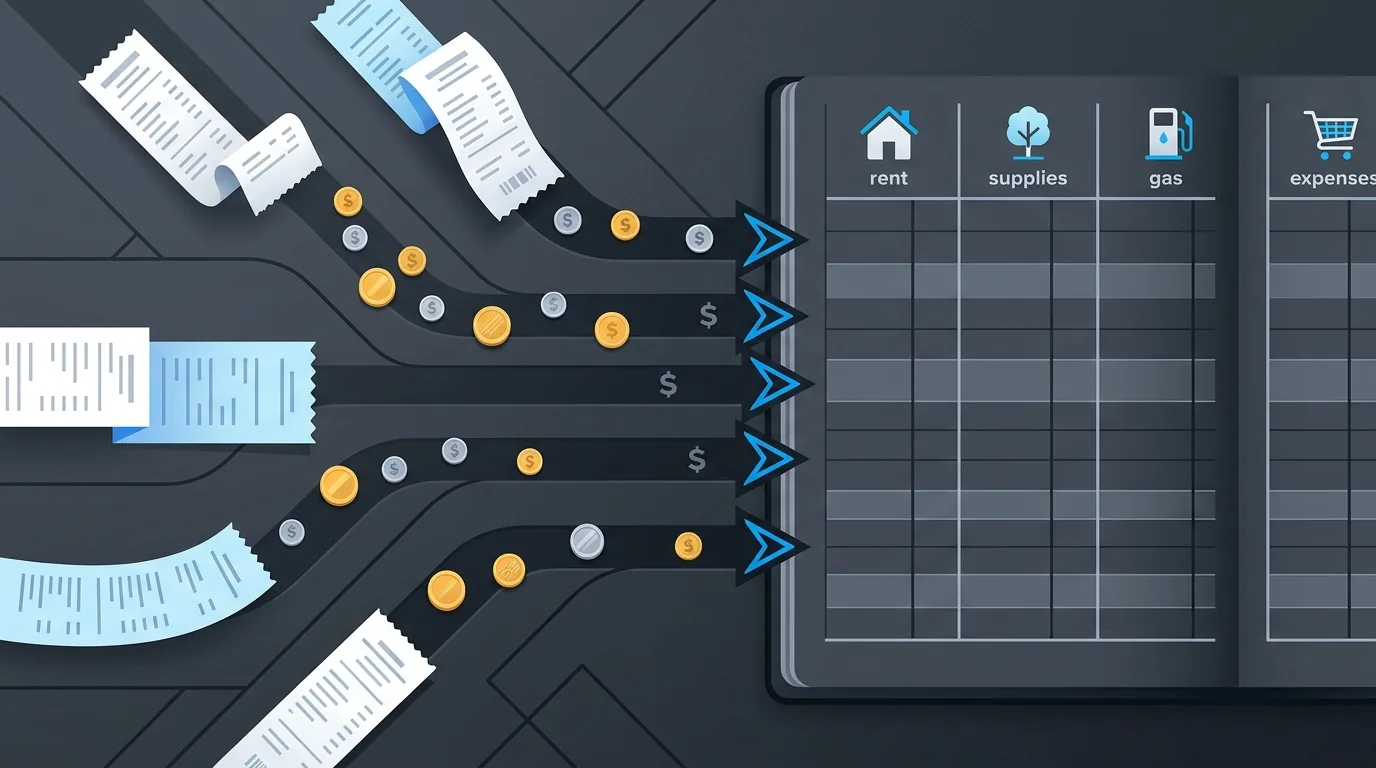
Accounting software is built to satisfy your accountant in April. That's a real job, and if you have payroll, inventory, or an S-corp election, you probably need it. But most owners reach for accounting software to answer a much smaller question (where is the money going?) and then abandon it, because reconciling a chart of accounts every week is miserable.
Here's the thing: the weekly question and the April question are different jobs, and the weekly one can be done with a system simple enough to survive real life.
The one rule that makes any system work
Log the expense at the moment it happens. That's the entire secret. Not Sunday night, not end of month. At the counter, in the truck, right after you click "purchase." A ten-second entry made immediately beats a perfect reconstruction attempted later, because the reconstruction never happens.
This rule dictates the tooling: whatever you use has to open fast and accept an entry in seconds. If logging an expense takes four taps, a login, and a sync spinner, you'll stop by Thursday. This is why a notes app beats most accounting suites for daily tracking, and why a purpose-built quick-entry tool beats both.
Use fewer categories than you think you need
Category sprawl kills expense tracking. Twenty categories means every entry becomes a filing decision, and filing decisions are friction. Start with five or six that match how you'd actually describe your spending out loud:
- Supplies: things you consume doing the work
- Materials: things that become the customer's
- Fuel / travel
- Software & subscriptions
- Fees: card processing, platforms, bank charges
- General: everything that doesn't fit, honestly labeled
The test for adding a category: would seeing this number by itself change a decision? "Subscriptions" passes: it's where quiet monthly bloat hides. "Office supplies vs shop supplies" almost never passes.
Store money as money, not as decimals
If you build your own tracker in a spreadsheet, one technical note that will save you a reconciliation headache: floating-point decimals drift. Sum a few hundred amounts like 10.10 and 20.20 as raw floats and the total can be off by a cent, which doesn't matter financially, but costs you an hour when a total refuses to match. Spreadsheets mostly protect you; if you ever move to a tool, check that it stores amounts in integer cents. (SMBDashboard does, for exactly this reason.)
Income belongs in the same list
Tracking expenses alone gives you half a picture and all of the anxiety. Log income in the same place, with one extra bit per entry: paid or open. The open ones are your outstanding invoices, and their total is the number that explains why a profitable month can still feel broke. When a customer pays, flip the entry. Now your list answers three questions instead of one: what went out, what came in, and who still owes you.
The number that makes "open" worth tracking separately
The JPMorgan Chase Institute measured cash buffers across 597,000 small businesses: how many days each could cover outflows from cash on hand. The median was 27 days, and for restaurants it was 16.
That is the practical case for the paid/open flag costing you one extra tap. A business running a 27-day buffer cannot treat "invoiced" and "collected" as the same event, and a tracker that shows only totals will tell you a month went well right up until the moment it can't cover Friday.
The monthly read
Daily logging plus a monthly read is the whole cadence. Once a month, look at three things:
- This month's bars against the last few months. Is income trending up, flat, or down? Are expenses growing faster than income?
- The category breakdown. One category is usually quietly growing. Find it, decide whether it should be.
- Running profit. The all-time line. It should climb. If it's been flat for a quarter, the business is a hobby with extra steps, and it's better to know.
For the weekly version of this read (the seven numbers worth checking every Monday), see the one-page weekly review.
When you've outgrown the simple system
| Signal | What it means | What to do |
|---|---|---|
| You hire an employee | Payroll, withholding, filings | Real accounting software, now |
| You carry inventory | Cost of goods sold matters | Real accounting software |
| You need accrual accounting for tax | Cash-basis records won't map | Accountant first, then software |
| Your accountant asks for reports you can't produce | Reporting gap | Ask which reports, then pick for those |
| You're VAT/GST registered | Filing obligations with deadlines | Software that handles your jurisdiction |
| None of the above | You have a tracking problem, not an accounting one | Keep the simple system |
Signals it's time for real accounting software: you hire an employee, you carry inventory, you need accrual accounting for taxes, or your accountant asks for reports the simple system can't produce. At that point, adopt the software for April's job, and keep the simple system for the daily one. They coexist fine; the daily log even makes the April handoff cleaner, since every expense already has a date, an amount, and a category.
Sources
- JPMorgan Chase Institute, Cash is King: Flows, Balances, and Buffer Days
If you want the simple system pre-built: SMBDashboard's expense tracker is the log-at-the-moment tool described here (quick entry, few-category breakdowns, monthly bars, paid/open status on income, exact-cent math), free, with your data stored in your own browser. Or build it in a spreadsheet this afternoon. Either way, the system is the habit, not the software: log it when it happens, read it once a month, and you'll never again wonder where the money went.