 SMBDashboard
How to Do Bookkeeping Without Software, Month by Month
By Mark Fulton · 2026-10-16 · 11 min read
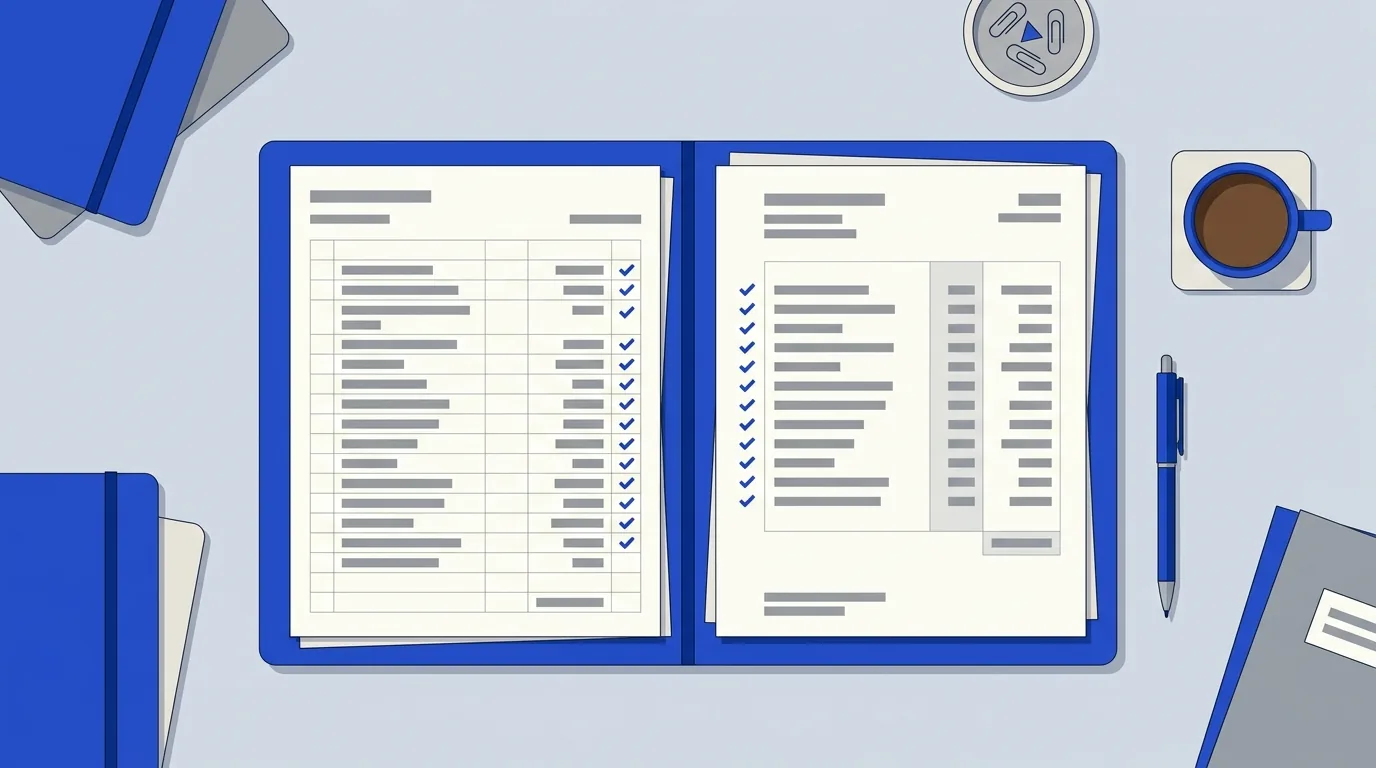
You can do your own bookkeeping without software with four things: a business bank account that carries only business money, one income register, one expense register, and a monthly check of both against the bank statement. Add a receipts folder and a one-page month-end summary and you have everything an accountant needs. For a small service business the whole cycle runs about 15 minutes a week plus an hour at month end. Your job is the records. Filing, tax treatment, and deductions belong to an accountant.
Plenty of owners start with software and quit by March, because the tool wants a chart of accounts and a weekly reconciliation habit they never built. The habit is the hard part, not the tool. This guide lays out the habit as a calendar, so you can see what happens daily, weekly, monthly, quarterly, and at year end, how long each step takes, and the exact point where it goes to someone else.
What does bookkeeping have to produce for a small business?
Three outputs, and nothing more:
- A record of money in. Every payment you received, with the date, who paid, and what it was for.
- A record of money out. Every business expense, with the date, who you paid, what it was, and a category.
- Proof the two records match reality. The bank statement is the outside check on your own writing.
Everything else people call bookkeeping (balance sheets, double-entry journals, a chart of accounts with forty lines) is built on those three. The IRS describes the point of records plainly: good records help you monitor the progress of your business and support the figures on your tax return. If your books answer "what came in, what went out, and does it match the bank," they are doing the job.
One note on method. Under the cash method, income counts when you receive it and expenses when you pay them, which is how IRS Publication 583 describes it. Most one-person service businesses work this way, and it is the method this guide assumes. Which method you are allowed or required to use is a tax question for your accountant.
Why does a separate bank account come first?
Because it makes the rest of the work smaller. If business money and personal money share an account, every line on the statement needs a decision: was that coffee a client meeting, was that deposit a customer or your cousin paying you back? With a separate account, the statement is nearly your bookkeeping already. Every deposit is income or a transfer you made, and every withdrawal is an expense or a transfer to yourself.
IRS Publication 583 advises keeping your business account separate from your personal checking account and using it for business purposes only. Open one before you do anything else in this guide. If you have a business credit card, treat it the same way: business purchases only.
Two rules keep the account clean:
- Pay yourself in transfers, not in spending. Move a set amount to your personal account on a set day. That transfer is not an expense. It is the owner taking money out, and it gets its own line in the register so it never gets mistaken for a cost.
- Never pay a business bill from a personal card "just this once." If it happens, write it down the same day, as an expense you paid personally, so the record exists.
What does the bookkeeping cycle look like as a calendar?
This is the whole system on one table. The times are planning estimates for a small service business with a few dozen transactions a month, not measured benchmarks. Yours will vary with volume.
| When | What you do | Time | Output |
|---|---|---|---|
| Daily | Photograph or file each receipt. Log each payment received and each expense paid. | 2 to 5 minutes | Registers current to today |
| Weekly | Open the registers, check for gaps, note unpaid invoices, add anything missed from the week. | 10 to 15 minutes | A register you trust |
| Month end | Reconcile both registers to the bank statement, total each category, write the one-page summary. | 45 to 75 minutes | Summary page and a closed month |
| Quarter | Read three monthly summaries side by side, flag anything unusual, send the package to your accountant if they ask for it. | 30 minutes | Quarter view, handoff if needed |
| Year end | Total twelve months, check your receipts folder is complete, assemble the year folder. | 2 to 3 hours | Year folder ready to hand over |
The daily step is the one that decides whether the rest works. Our guide on tracking expenses without accounting software covers the logging habit in depth. This post picks up from there and covers the part that most "without software" guides skip: closing the month.
What goes in the income register and the expense register?
Two plain tables, in a spreadsheet or on paper. Same columns for both makes the month end faster.
Income register
| Date received | Customer | What for | Amount | Deposited to | Invoice or job ref |
|---|
Expense register
| Date paid | Paid to | What for | Category | Amount | Paid from | Receipt filed? |
|---|
Keep the category list short. Five or six categories beat twenty, and our small business expense categories guide lists a sensible starter set. The "paid from" column matters more than it looks, because it lets you filter to one account when you reconcile. The "receipt filed?" column is a cheap guard against the April scramble: any blank in that column is a task for Friday.
If you are logging sales as well as deposits, how to track sales without software shows what a sales record needs to contain.
How do you reconcile against the bank statement by hand?
Reconciliation means checking that your records and the bank's records agree, and explaining the difference when they don't. Wave's guide calls it "just a fancy word for double-checking your work," and that is accurate. Here is the by-hand version, once a month, with the statement for the month in front of you.
- Start from the opening balance. Your register's starting balance for the month should equal the bank's ending balance from last month. If it doesn't, stop. Fix last month first.
- Tick off the deposits. Go down the statement's deposits and match each one to a line in the income register. Mark both sides as you go. A pen on a printed statement works, or a "matched" column in the sheet.
- Tick off the withdrawals. Do the same for each withdrawal and the expense register. Transfers to your personal account match the owner-draw lines.
- Chase the unmatched items. Anything on the statement with no register line is something you forgot to log: a bank fee, a subscription, a refund. Anything in the register with no statement line is probably a payment that hasn't cleared yet, or a mistake.
- Do the arithmetic. Opening balance, plus all deposits, minus all withdrawals, should equal the statement's ending balance. If it does, the month is closed.
- Lock the month. Save a copy of the registers as "Month-Year closed" and don't edit it again. Corrections go in the next month with a note.
A common trap is the credit card. If your bank account pays the card bill, that payment is a transfer, not an expense, because the purchases on the card are already in your expense register. Count the purchases once, from the card statement, and log the card payment as a transfer. Counting both is the most common way a manual set of books ends up overstating costs.
The other trap is treating every deposit as income. Loan proceeds, a refund from a supplier, and money you moved in from your own pocket are deposits, but they are not sales. Give them their own labels in the register so month-end totals mean something.
How long should you keep receipts and records?
Keep them at least as long as the tax rules say. The IRS publishes how long to keep records, and the periods vary by situation:
| Situation | How long the IRS says to keep records |
|---|---|
| Default, when none of the cases below apply | 3 years |
| You file a claim for credit or refund after filing | 3 years from filing the original return, or 2 years from paying the tax, whichever is later |
| You file a claim for a loss from worthless securities or a bad debt deduction | 7 years |
| You leave out income that is more than 25% of the gross income on your return | 6 years |
| You don't file a return | Indefinitely |
| You file a fraudulent return | Indefinitely |
| Employment tax records | 4 years after the tax is due or paid, whichever is later |
Those periods are the IRS's, as published on that page. Your state may differ, and some records, such as documents tied to property you still own, can matter for longer than the table suggests. For anything unusual, ask your accountant before you throw paper away.
A practical system: one folder per year, subfolders per month, and receipts named with the date and payee (for example "2026-10-04 hardware store"). A phone photo counts as a copy; just make sure it is legible and backed up in a second place.
What does a month-end summary contain?
One page, the same layout every month, so a glance across twelve of them shows trends. It contains:
- Opening balance and closing balance for each business account
- Total income for the month
- Total expenses, broken down by category
- Owner draws (transfers to yourself), listed separately
- Net for the month: income minus expenses
- Unpaid invoices: who owes you, how much, how many days late
- Open questions: anything you couldn't match or categorize, for your accountant
That last line is the most useful. It turns "I'm not sure about this" into a written question, which an accountant can answer in minutes instead of digging for it at tax time. The summary also feeds your weekly habits: if you already do a one-page weekly review, the month-end page is simply the four weeks stacked.
Where does DIY bookkeeping stop and an accountant start?
The line is simple. You keep the records. An accountant interprets them for tax. The registers, the receipts, the reconciliation, and the summary are yours. Filing returns, deciding what is deductible, choosing an accounting method, handling payroll and sales tax, and anything involving depreciation or a change in business structure belong to a professional. Nothing in this guide is tax or legal advice.
Bring in a bookkeeper or accountant sooner if any of these show up:
- You hire your first employee, which brings payroll and employment tax records with it
- You carry inventory, so you need to value stock
- You collect sales tax in more than one place
- Reconciliation takes more than a couple of hours because the volume has outgrown the spreadsheet
- The month-end summary keeps ending with questions you can't answer
Handing over a clean year folder, with closed monthly registers, matched statements, and an organized receipts folder, is also cheaper for you. A professional who starts from tidy records spends their time advising instead of sorting.
Can the dashboard do the registers for you?
If a spreadsheet feels like one more thing to maintain, the money module in SMBDashboard is the two registers in a form built for quick entry: log income and expenses as they happen, no account needed, and your data stays in your browser unless you turn on Pro sync. The free tier holds 200 money entries, which covers many months for a small service business. The weekly business report prints the numbers on one page, which makes a good addition to your month-end folder. There is also a page on the small business expense tracker if expenses are your main headache.
You still reconcile against the bank statement yourself. That step is the point of the exercise, and no tool should hide it from you.
FAQ
Can I do my own bookkeeping in a spreadsheet?
Yes. A spreadsheet with an income tab and an expense tab, plus a monthly reconciliation to your bank statement, is a complete system for a small business. It stops being enough when volume makes monthly reconciliation slow, when you add payroll, or when you carry inventory.
How long should I keep business receipts?
The IRS default is 3 years, with longer periods in specific cases, such as 6 years if you omit a large amount of income and 7 years for certain bad debt or worthless securities claims. Employment tax records are 4 years. Check the IRS retention page for the full list and ask your accountant about your situation.
What is bank reconciliation in plain terms?
It is checking that your own records match the bank's statement. You match every deposit and withdrawal on the statement to a line in your register, then confirm that the opening balance plus deposits minus withdrawals equals the closing balance. Differences are either things you forgot to log or payments still in transit.
When should a small business hire a bookkeeper?
When the records take more time than they are worth to you, or when the business adds complexity: employees, inventory, multi-state sales tax, or reconciliation that no longer closes cleanly. Many owners keep doing the daily logging and hand the month end to a bookkeeper, which is a sensible split.